
Shopper journey
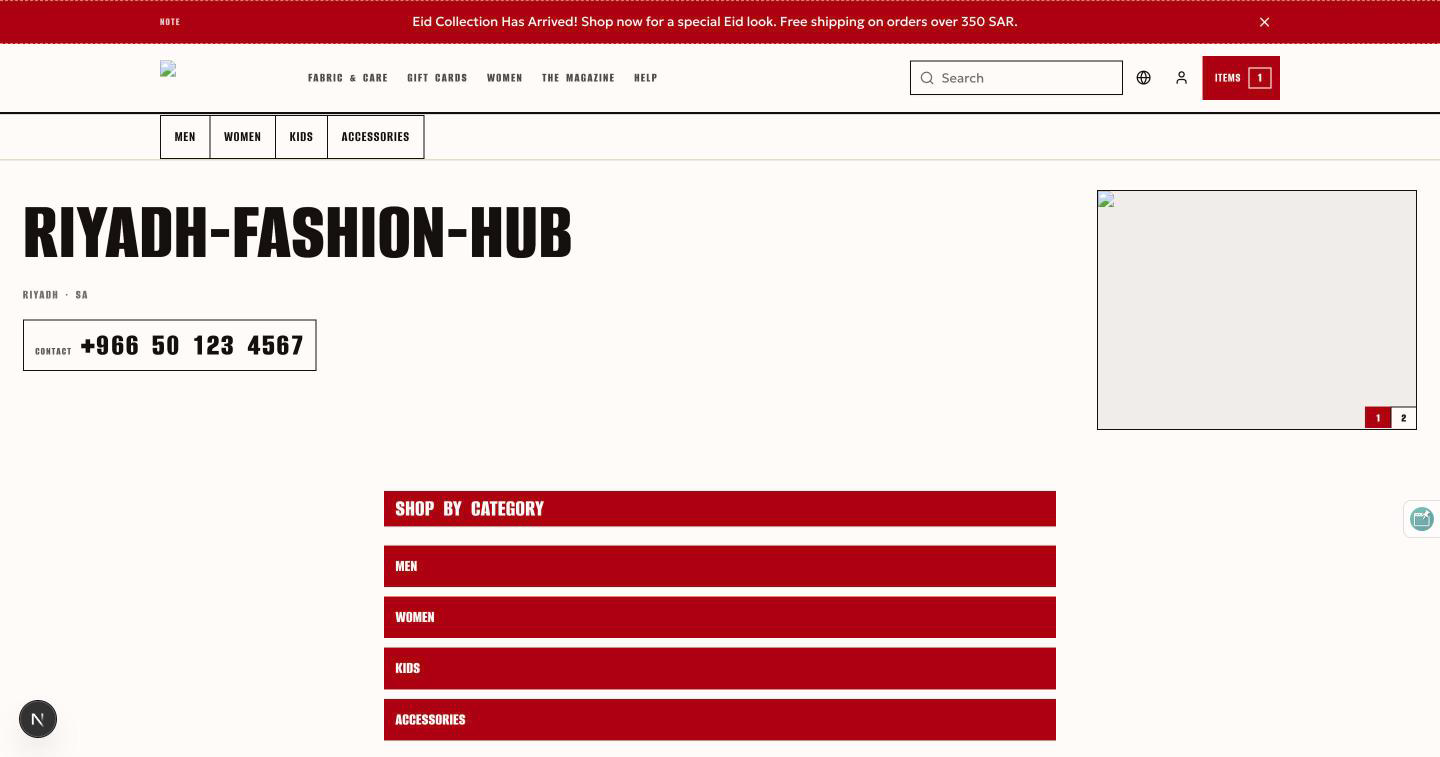
What a shopper sees: the storefront, a product, the cart, checkout and the account. The storefront is the Next.js application landing-ui, one deployment per pod that renders every store in that pod. A shopper reaches it on the store's own domain in production, and on http://org1-store1.spg-507f1f77.gateway.com on a local stack. The pod's edge (spg) resolves the host name to a store and injects the Store-Id, Theme, Color-Theme, Default-Language and Supported-Languages headers; the storefront never serves a store without them.
Home
The home page is not theme code. It is a layout document the merchant edits in the console's storefront builder: an ordered list of sections such as a hero, product rails (featured, newly added, recommended), categories, promos, FAQ, newsletter, rich text, testimonials, brands, image, video and blog posts. The theme decides how each section looks; the shell decides what it means, so the same layout renders on any theme. Around it sit the theme's header (logo, navigation menus from the content service, search box with autocomplete, cart, language switch) and footer (social links, address, information pages). The storefront honors the merchant's color preset through a contrast-guarded bridge, so every color role clears WCAG AA. Themes ship with the workspace (basic, beauty, cosmetics, fashion, furniture, glasses, grocery, hunger, jewellery, pink, sports); each demo store renders in its own.
Category and product pages
A category page lists the category's products with a facet rail (brand and option values) and a sort by newest or oldest. Cards show the product image, name and the price the API pre-formats for the store's currency, with the discounted flag and stock coming from the inventory service. There is no price or in-stock filter, because price and stock live in inventory keyed by SKU, and no reviews, wishlist or coupons: the storefront shows only what the platform can do.
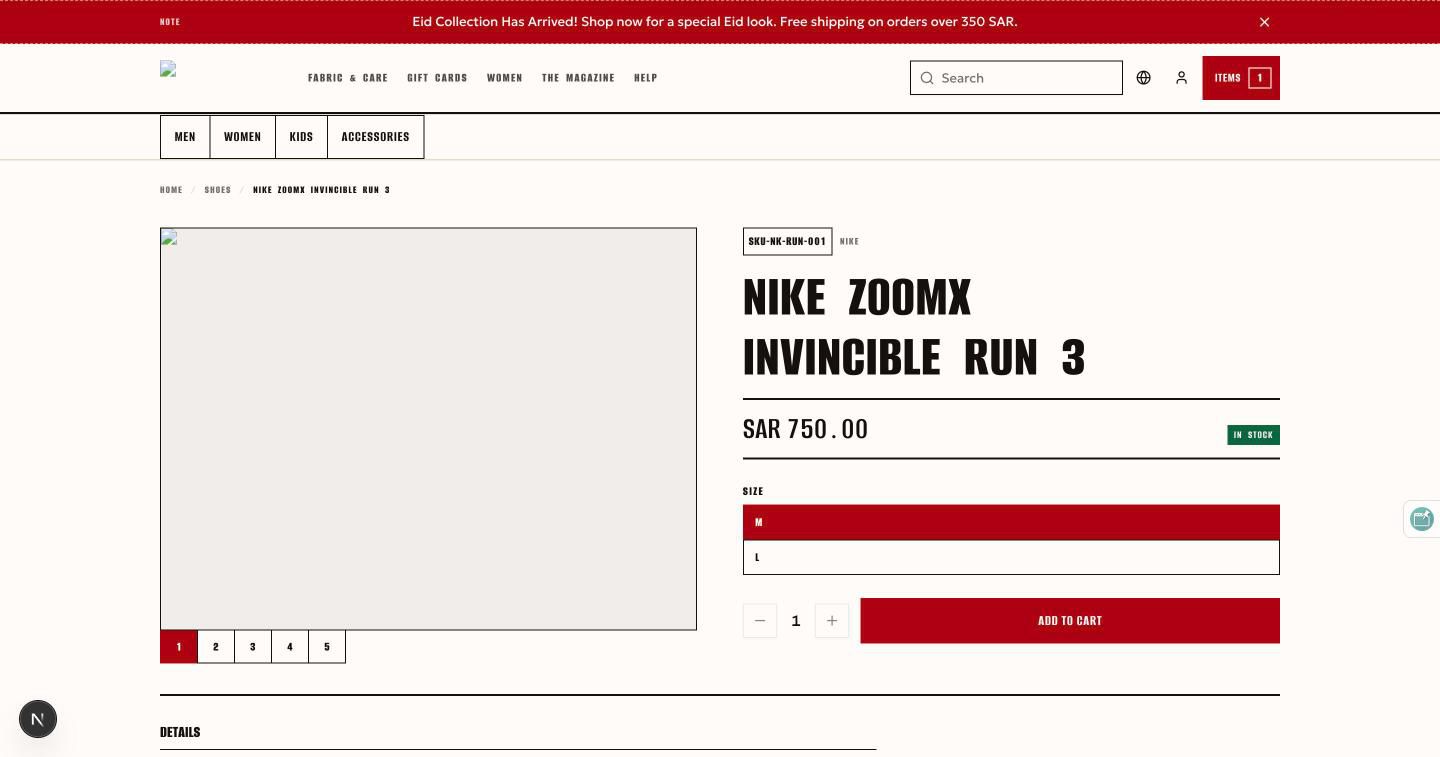
The product page shows the gallery, the description and attributes, the manufacturer, related products and the buy box. A product with options shows a selector; choosing a combination selects a variant with its own SKU, images, price and stock, and the variant is addressable in the URL so it can be shared. The buy box respects the merchant's per-order minimum and maximum, and a refusal says what was refused. Unknown slugs render a designed not-found state.
Search
Search is full-text across the store's languages at /search, with autocomplete in the header. Results carry counted facets for category, brand and product type, and a did-you-mean suggestion when the query looks misspelled. Themes branch on the search capabilities the shell reports, so a deployment pointed at a catalog without the endpoint hides what it cannot do.
Cart
The cart opens as a drawer: add, change quantity, remove. Each line names the variant combination. A quantity outside the SKU's bounds is refused with the bounds. The cart belongs to one store; another store cannot read it, and once it has been placed as an order it is read-only while that order is open and gone once it closes.
Checkout
Checkout is one page: the form on one side, the order summary on the other. It collects contact details, billing and delivery addresses (countries come from the checkout service's ISO list, localized), the payment method and the store's agreement text from the content service. Payment methods are whatever the merchant configured: cash on delivery, manual bank transfer, card through Stripe.
Whether a guest may order is the store's decision. The store setting requireLoginForOrderPlacement defaults to on, and every seeded demo store requires a login; where a merchant turns it off, a signed-out shopper can place an order and becomes a guest customer keyed on the email address. When the setting is on, the checkout page hands the shopper to sign-in first.
Placing the order is durable: the order row is written, stock is reserved, payment is initiated, each step outside the last one's transaction, so a payment provider outage leaves an order that recovery finishes later rather than a half-written one. A provider redirects back to /checkout/success or /checkout/cancel; the result page does not trust which URL it landed on and re-reads the real order status from the API. A signed-in shopper reads it through the session; a guest reads it only with the reference the return URL carried.
Account: sign-in, registration, orders
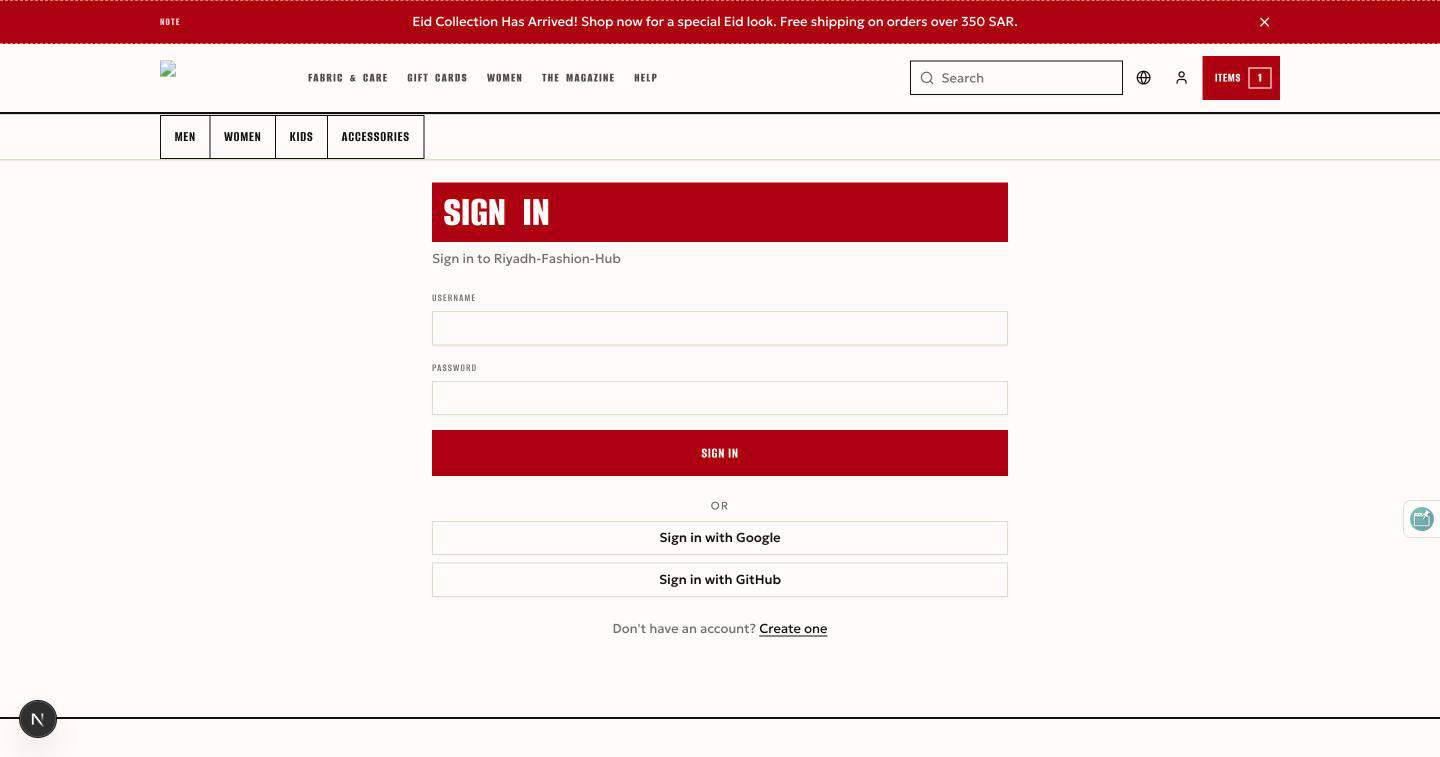
Shoppers are a separate identity realm from merchants. The authorization server is cua, one per pod, with one realm per store, so the same email address is two different shoppers in two different stores. cua renders no HTML: the storefront's login and register pages are theme pages. Clicking sign in sends the browser to /cua/oauth2/authorize; cua saves the request and redirects to the storefront's /{lang}/login?auth=1, the theme renders the form, the form posts to /cua/login, and on success cua resumes the saved request, which comes back to /{lang}/callback where the storefront exchanges the code for a token. A wrong password returns to the form with a translated message. Social sign-in buttons appear when the store has providers configured. Registration posts to cua's public registration endpoint and continues straight into the same login flow. Because a shopper account is scoped to a store, sign-in only works through the store's host, never against cua directly. The flow is drawn on Authentication.
The account page has three tabs: profile (name, email, phone, username), addresses (billing and shipping) and orders (id, date, total, status, with an action to open each). A signed-in shopper with no order yet sees an empty profile, not an error. Orders and the profile are the shopper's alone; another shopper's id is a 404.
Locales and right-to-left
The storefront ships five locales: en, ar, es, fr and ru. Every URL carries the locale as its first segment (/en/..., /ar/...); the store's default and supported languages come from the headers the edge injects, and a locale the store does not support falls back to the store's default. Arabic is laid out right to left: the layout mirrors, icons flip direction, and text is isolated with <bdi> so mixed-direction product names render correctly. Prices are formatted once per locale and currency by the API and are never reformatted by the storefront. The demo store org1-store1 serves en and ar; org2-store2 is Arabic-first.
Source of truth: cvhome store-pod/landing-ui/PRODUCT.md, store-pod/landing-ui/themes/ARCHITECTURE.md, store-pod/landing-ui/themes/ (theme list), store-pod/landing-ui/themes/starter/src/pages/ and sections/CustomerTabs.tsx, store-pod/landing-ui/storefront/src/shell/routes/checkout.tsx, store-pod/landing-ui/storefront/src/shell/theme/default-search-page.tsx, store-pod/landing-ui/qa/landing-ui-qa.md, store-pod/checkout/checkout-service/qa/checkout-qa.md, .claude/skills/project-structure/references/authentication.md.