
Platform admin
Organizations, pods, plans, billing and identity: the screens only a platform administrator sees. The platform administrator holds ROLE_SUPER_ADMIN in uaa. Signed in to the seller console, that role unlocks a platform section beside the store screens; signed in to uaa's own console it administers identity itself. A merchant or organization admin who opens any of these gets nothing, not an empty page.
The administrator account
The account is created by the platform, not by a person. uaa's seed writes a super-admin user with the password taken from UAA_ADMIN_PASSWORD, and the property has no default: a deployment that forgets it fails to start rather than running on a committed value. On AWS the bootstrap generates that password into the environment's Secrets Manager secret /<project>/<env>/uaa and binds it to the uaa task. On a local stack the lcl and test-stores profiles set it to admin; that is a test fixture that exists only there, and the account is super-admin / admin on http://gateway.com:8000 and http://uaa.gateway.com:8001.
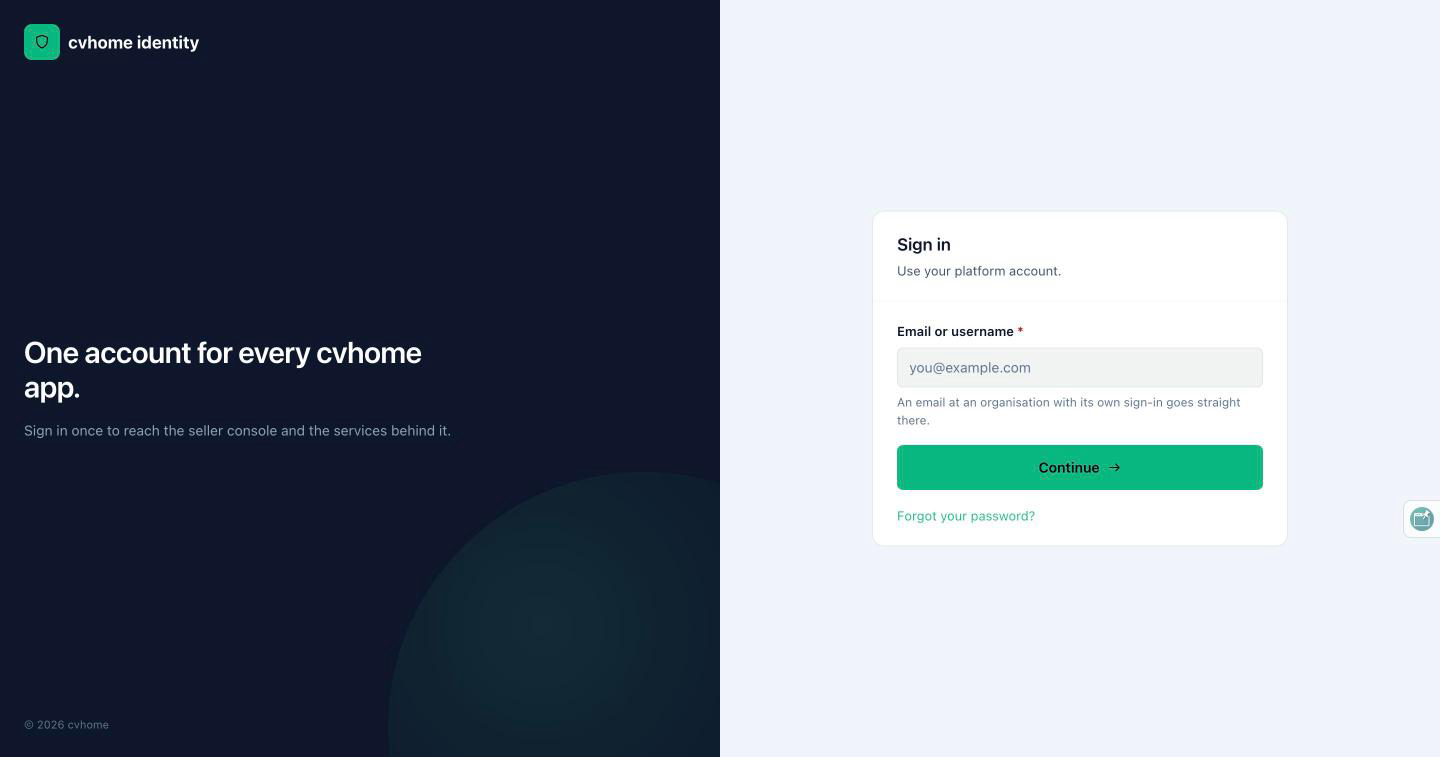
Platform dashboard
The platform dashboard counts what the platform runs: organizations, stores and subscriptions, with a link into platform billing. It is the entry point of the platform section in the console.
Organizations
The organizations list is searchable and lets the administrator create an organization. An organization's detail page shows its stores, its users, its billing (what it is billed in, its invoices), and an activity trail. From here the administrator suspends or resumes an organization (suspending an organization suspends its stores; a suspended store blocks the console but its storefront stays readable), closes it, or resets the owner's access. Every lifecycle action is audited.
Pods
A pod is a physical deployment of the business layer: its own edge, services and database, hosting many stores. The pods screen is the fleet: a searchable list with an action to create a pod. Creating one is platform-operator work and asks for the pod's name, its domain and its endpoint. The endpoint has a type: INTERNAL means the pod sits in the same cluster and is reached through service discovery; EXTERNAL means it is reached over a URL, which may be another region, another account or another cloud. A pod is either shared (the default pool every organization's stores are placed in) or dedicated to one organization; that is one field on the pod, and an organization with a dedicated pod always lands on it while nobody else can reach it.
The pod detail page shows the pod's state, its routing (endpoint and domain), its stores, and the editable fields. Two actions matter operationally: drain, which moves new placements elsewhere while the pod keeps its route and its existing stores, and resume. A health probe records each pod's status, and an unreachable pod goes red without losing its route. Drain and delete are super-admin only. The model behind this is on Tenancy and provisioning.
Platform plans
The plans screen lists the subscription plans the platform sells: name, price per period, and the quotas a plan grants (stores, products, seats, storage). Plans are what merchants see as cards on their subscription page; changing them here changes what every organization can buy.
Platform billing
Platform billing has an overview and three lists. The overview shows the book: active and trialing subscriptions, monthly and annualized run rate, collected revenue, the plan mix, a revenue trend, blocked stores, failed webhook events and stalled requests, with a health line. The lists are subscriptions, invoices (with links to Stripe's hosted invoice and PDF) and a billing activity log, each searchable and filterable by plan, status, event and source, and a filter for blocked stores only.
Platform users
The platform users screen lists every account known to uaa with their roles, filterable, and lets the administrator reset access or delete an account. From an account's row the administrator can act as that merchant in the console; a banner shows the impersonation and ends it, and an organization admin cannot do the same.
The uaa admin console
uaa keeps its own door. Reached at its own host (http://uaa.gateway.com:8001 locally) it serves an embedded Angular console for the identity server itself, behind the same super-admin gate. Its areas:
| Area | What it does |
|---|---|
| Dashboard | The realm at a glance. |
| Users | Every account: create, edit, enable, disable, roles, sessions and revocation, one-time links for invitations and password resets, email verification. |
| Roles | List, create, rename and delete roles. |
| Clients | The registered OAuth2 clients (the gateway's web-app, the service-to-service clients, the admin SDK) with an editor driven by the server's own option lists. |
| Identity providers | OIDC and OAuth 2.0 brokering for staff sign-in, with linking policy and just-in-time provisioning. |
| Audit | The audit log of sign-ins, admin actions and token events. |
| Settings | Realm settings: password policy, lockout, rate limiting, session lifetime, signing keys. Sections scroll on one page rather than navigating. |
| Account | The signed-in administrator's own account; the one screen not behind the super-admin gate. |
The whole console is translated and mirrors in Arabic. Someone who is not an administrator gets nothing from any of it. How uaa relates to cua, the shopper realm, is on Authentication.
Source of truth: cvhome store-core/console-ui/src/app/features/ (platform-*, pods, pod-detail, organizations, organization-detail and their templates' i18n keys), store-core/console-ui/qa/console-ui-qa.md, store-core/pod-registry/pod-registry-service/qa/pod-registry-qa.md, store-core/tenancy/tenancy-service/qa/tenancy-qa.md, store-core/uaa/qa/uaa-qa.md, store-core/uaa/src/main/resources/uaa-fe/src/app/features/, store-core/uaa/src/main/resources/application*.yml, store-core/uaa/src/main/resources/init-sql/data-common.sql, .claude/skills/project-structure/references/multi-tenancy.md; cvhome-platform README.md, services.yaml.