
Local development
Run the whole platform on one machine with lcl, sign in with the seeded test stores, and find your way when something is down. How the local stack differs from AWS is on Deployment: local; what to do once you are signed in is the merchant journey.
Prerequisites
| Need | Why |
|---|---|
| macOS, Linux or WSL2 | The platforms lcl supports. |
| Node.js 22 or newer | Runs the lcl CLI. The two UIs use their own Node toolchain (24.x), which Gradle downloads automatically through the node plugin. |
| JDK 25 | The Java services. Gradle provisions a matching toolchain if the one on your machine differs, but it still needs a JDK to run on. |
| Docker | Only the infrastructure runs in containers: Postgres, MinIO and spg (the pod's Caddy edge). The Java services run on the host. Docker is also needed for the Testcontainers integration tests. |
| Stripe CLI (optional) | lcl.yml declares five stripe listen services that forward webhooks to billing and payment. Without the CLI these listeners fail to start and lcl marks them crashed; nothing depends on them, so the rest of the stack keeps running and Stripe webhooks simply never arrive locally. |
Install
npm install -g @cvhome-saas/lcl
git clone https://github.com/cvhome-saas/cvhome.git
cd cvhome
sudo ./extra/scripts/configure-domain.sh
Everything is addressed by host name, not localhost: the platform (gateway.com, uaa.gateway.com, console-ui.gateway.com), the pod (spg-507f1f77.gateway.com, merchant.gateway.com, ...) and the demo storefronts (org1-store1.spg-507f1f77.gateway.com, ...). configure-domain.sh writes those entries to /etc/hosts once per machine. lcl itself never edits /etc/hosts; lcl.yml lists the 19 host names the project expects, and lcl doctor reports which ones are missing.
Start the stack
lcl start -dThe default is the whole stack: the compose infrastructure (postgres, minio, spg), then every Java service under the lcl,test-stores profiles in dependency order (uaa first, because it issues the tokens everyone else validates), then console-ui and landing-ui. -d returns once everything is healthy. The first start is long: each service runs its own ./gradlew ... bootRun, and the UIs install and build their workspace libraries in a prepare step.
Useful variations:
lcl start -d --buildruns the project build first (./gradlew build -x test -x check).lcl start <svc>starts one service plus its dependency closure (lcl start landing-uialso brings upspg,merchant,content,catalog,checkoutandinventory).lcl restart <svc>andlcl stop <svc>act on one service; the rest keep running and the data is untouched.lcl stopstops that stack. Postgres and MinIO keep their named volumes, so stores, orders and uploads survive a stop;lcl stop --hardalso deletes the volumes and the next start re-seeds an empty database.
Watch it come up:
lcl status            # services, state, ports, pids, uptime, health
lcl urls              # the entry points below, with the live ports
lcl logs uaa -f       # one service's log, followed
lcl why catalog       # exit code, health reason, who holds the port, the exact command and env
$ lcl status
stack default ~/cvhome
supervisor running 22756 (running)
ports offset +0 compose project lcl-cvhome-default-ddfc667c containers: minio postgres spg
service state port pid uptime errors health
-------------------------- ----- --------- ----- ------ ------ -----------
uaa up http:8001 26598 3m27s 1 UP
store-core-gateway up http:8000 27144 2m50s 13 UP
tenancy up http:8020 27329 2m40s 0 UP
billing up http:8021 27759 2m28s 6 UP
pod-registry up http:8022 28728 2m18s 0 UP
merchant up http:8120 29026 2m10s 2 UP
content up http:8121 29184 2m0s 5 UP
catalog up http:8122 29409 1m48s 0 UP
checkout up http:8123 29633 1m33s 0 UP
cua up http:8124 29756 1m21s 0 UP
payment up http:8125 29954 1m9s 5 UP
inventory up http:8126 30202 57s 4 UP
console-ui up http:8011 30544 47s 0 :8011 open
landing-ui up http:8110 31112 37s 0 :8110 open
stripe-billing-webhook up - 31244 32s 0 ready (log)
stripe-org1-store1-webhook up - 31297 28s 0 ready (log)
stripe-org1-store2-webhook up - 31351 24s 0 ready (log)
stripe-org2-store1-webhook up - 31390 22s 0 ready (log)
stripe-org2-store2-webhook up - 31429 20s 0 ready (log)
logs: .lcl/default/logs · lcl why <service> for details$ lcl urls
seller console http://gateway.com:8000
uaa http://uaa.gateway.com:8001
storefront http://org1-store1.spg-507f1f77.gateway.com:80
minio console http://localhost:9001
postgres postgresql://localhost:5432/cvhomeEntry points
| What | URL | Notes |
|---|---|---|
| Seller console | http://gateway.com:8000 | Always through the platform gateway. It owns the OAuth2 session; opening console-ui on its own port gives you a UI with no way to sign in. |
| uaa admin console | http://uaa.gateway.com:8001 | uaa's own embedded SPA, for platform administrators. |
| Storefront | http://org1-store1.spg-507f1f77.gateway.com | Always through spg. The storefront needs the Store-Id, Theme and language headers spg injects after resolving the host name; landing-ui on its own port serves no store. |
| MinIO console | http://localhost:9001 | Local object storage for product images and media. |
| Postgres | localhost:5432, database cvhome | One database, one schema per service. |
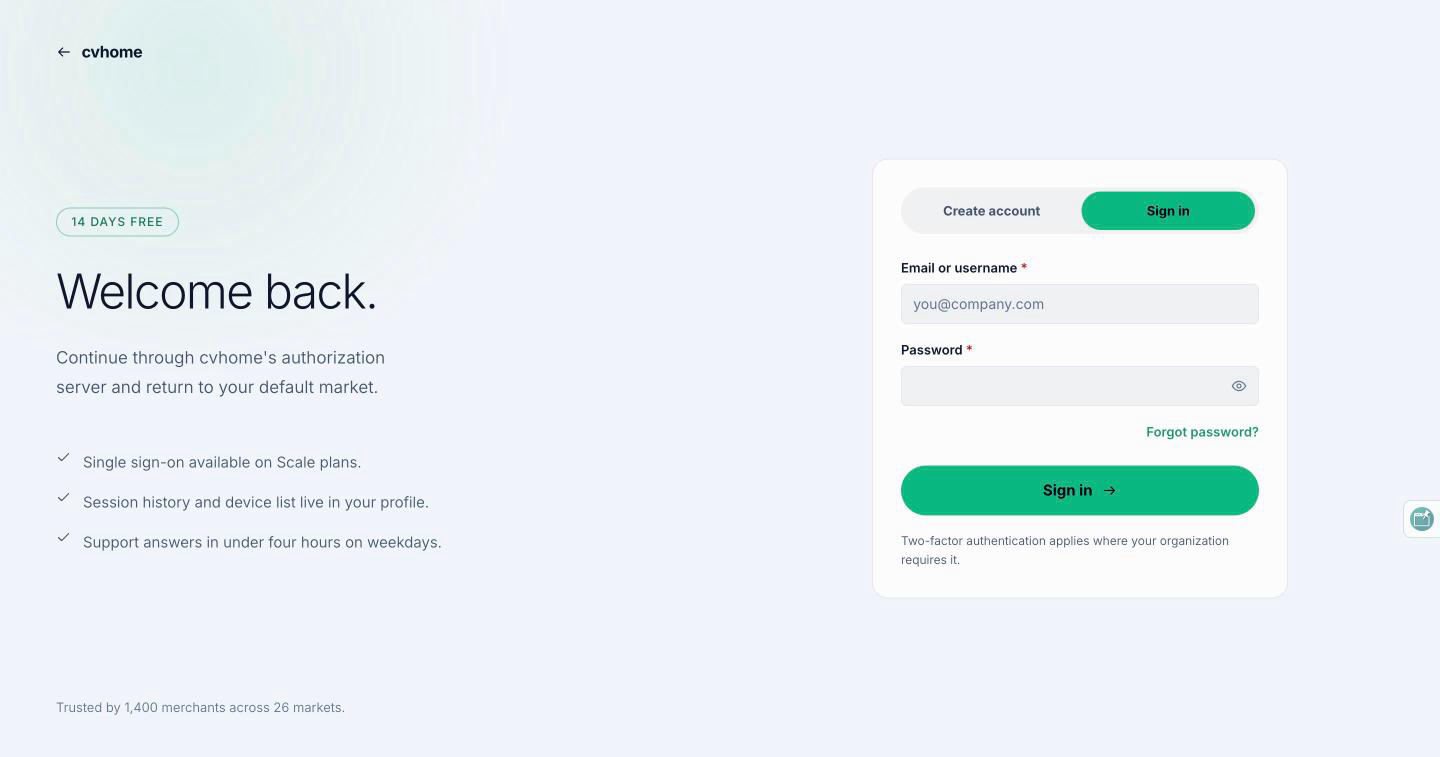
Test stores and logins
The test-stores profile seeds two organizations with two stores each. org1-store1 and org1-store2 belong to the same organization; org2-store1 is "another organization" for isolation checks. Locales differ on purpose: org1-store1 serves en and ar, and org2-store2 is Arabic-first.
| Storefront | Host |
|---|---|
| org1 / store1 | org1-store1.spg-507f1f77.gateway.com |
| org1 / store2 | org1-store2.spg-507f1f77.gateway.com |
| org2 / store1 | org2-store1.spg-507f1f77.gateway.com |
| org2 / store2 | org2-store2.spg-507f1f77.gateway.com |
The accounts below are seed data, not secrets. They exist only because test-stores is active and are never present outside a local stack. Every console account has the password admin; the shopper account is user / revo.
| Where | Username | Role |
|---|---|---|
| Console or uaa admin | super-admin | Platform administrator: the platform screens and the uaa console |
| Console | org1-admin | Organization admin of org1; belongs to no store's team |
| Console | org1-store1-admin | Store admin of org1 / store1 |
| Console | org1-store1-moderator | Read-only store role, for permission checks |
| Console | org1-store2-admin | Store admin of org1 / store2 |
| Console | org2-admin | Organization admin of org2, for isolation checks |
| Storefront | user | Shopper; signs in only through a store host, never on cua's own port |
If a login fails, the stack almost certainly came up without test-stores. If you change a seeded password, change it back: the seed runs only on a clean database.
Named stacks
Several stacks run side by side, one per git worktree by convention:
lcl start -d --stack feature-x
lcl urls --stack feature-x
lcl stop --stack feature-x
--stack <name> selects the stack every command acts on. Each has its own supervisor, compose project and .lcl/<name>/ state. When any configured port is taken, the whole stack shifts by ports.step (1000) per occupied sequence: gateway 9000, catalog 9122, postgres 6432, spg 1080 and so on. Host names never change. Everything that has to follow a shifted port does: the Spring services through a generated SPRING_APPLICATION_JSON, spg's Caddyfile through LCL_PORT_* variables, landing-ui through INTERNAL_SPG, and uaa's seeded web-app client through a hooks.after-up step that rewrites its redirect URIs for the shifted gateway port. Always read live ports from lcl urls --stack <name> rather than assuming the configured ones.
Troubleshooting
lcl doctor$ lcl doctor
✓ docker is running
✓ lsof on PATH
✓ /etc/hosts has all 19 hostnames from lcl.yml
✓ uaa: cwd exists
✓ store-core-gateway: cwd exists
✓ tenancy: cwd exists
✓ billing: cwd exists
✓ pod-registry: cwd exists
✓ merchant: cwd exists
✓ content: cwd exists
✓ catalog: cwd exists
✓ checkout: cwd exists
✓ cua: cwd exists
✓ payment: cwd exists
✓ inventory: cwd exists
✓ console-ui: cwd exists
✓ landing-ui: cwd exists
✓ stripe-billing-webhook: cwd exists
✓ stripe-org1-store1-webhook: cwd exists
✓ stripe-org1-store2-webhook: cwd exists
✓ stripe-org2-store1-webhook: cwd exists
✓ stripe-org2-store2-webhook: cwd exists
✓ ~/cvhome/lcl.yml: schema v1, 19 source service(s); 6 published ports in 3 Compose service(s) (docker-compose-lcl.yml)
✓ hook after-up uaa
✓ every service in lcl.yml is structurally runnable
✓ all 28 ports at offset +0 are free
all goodlcl doctor checks that Docker is running, that the tools it needs are on PATH, that /etc/hosts has every host name from lcl.yml, which stacks are registered, and whether the ports this stack would use are free.
lcl why <svc>explains one service: exit code or signal, the health reason, who holds its port, the exact command and environment it ran with, and the last error lines.- Logs live in
.lcl/<stack>/logs/<service>.log;lcl logs --errorsfilters every service to error lines,lcl eventsis the audit trail of every start, stop, crash and health transition. - Health for a Spring service is
GET /actuator/healthanswering"status":"UP"; the two UIs are healthy when their TCP port accepts connections. - A crashed service does not take the stack down. It is marked
crashed,lcl statusshows it, andlcl start <svc>brings it back. lcl restartof the whole stack is unreliable: leftover Gradle daemons compete for a shared cache lock and several pod services exit. Uselcl stopthenlcl start -d.- Stop a stack with
lcl stop, never by killing supervised processes by hand. - The gateway holds sessions in memory. Restarting it signs you out, and the symptom is a 401 where you expected a 403.
Source of truth: cvhome README.md, AGENTS.md, lcl.yml, docker-compose-lcl.yml, extra/scripts/configure-domain.sh, qa/lcl-qa.md, .claude/skills/project-structure/references/qa-testing.md, build-logic/src/main/groovy/com.asrevo.ui-conventions.gradle, store-core/uaa/src/main/resources/init-sql/data-common.sql; lcl README.md, src/commands/doctor.ts.